






Built in a real shop
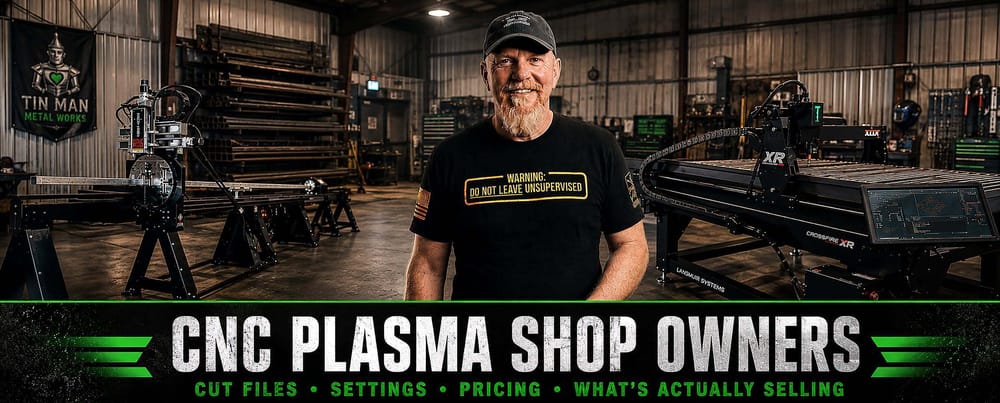
Charlie, Tin Man Metal Works · Utah
Beta tester reviews
What beta testers are saying
★★★★★
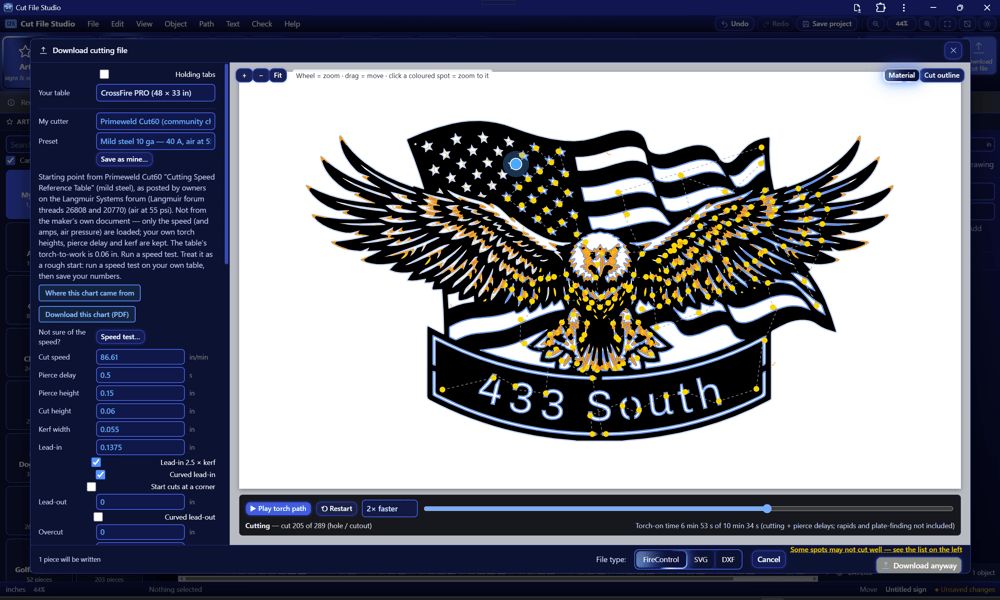
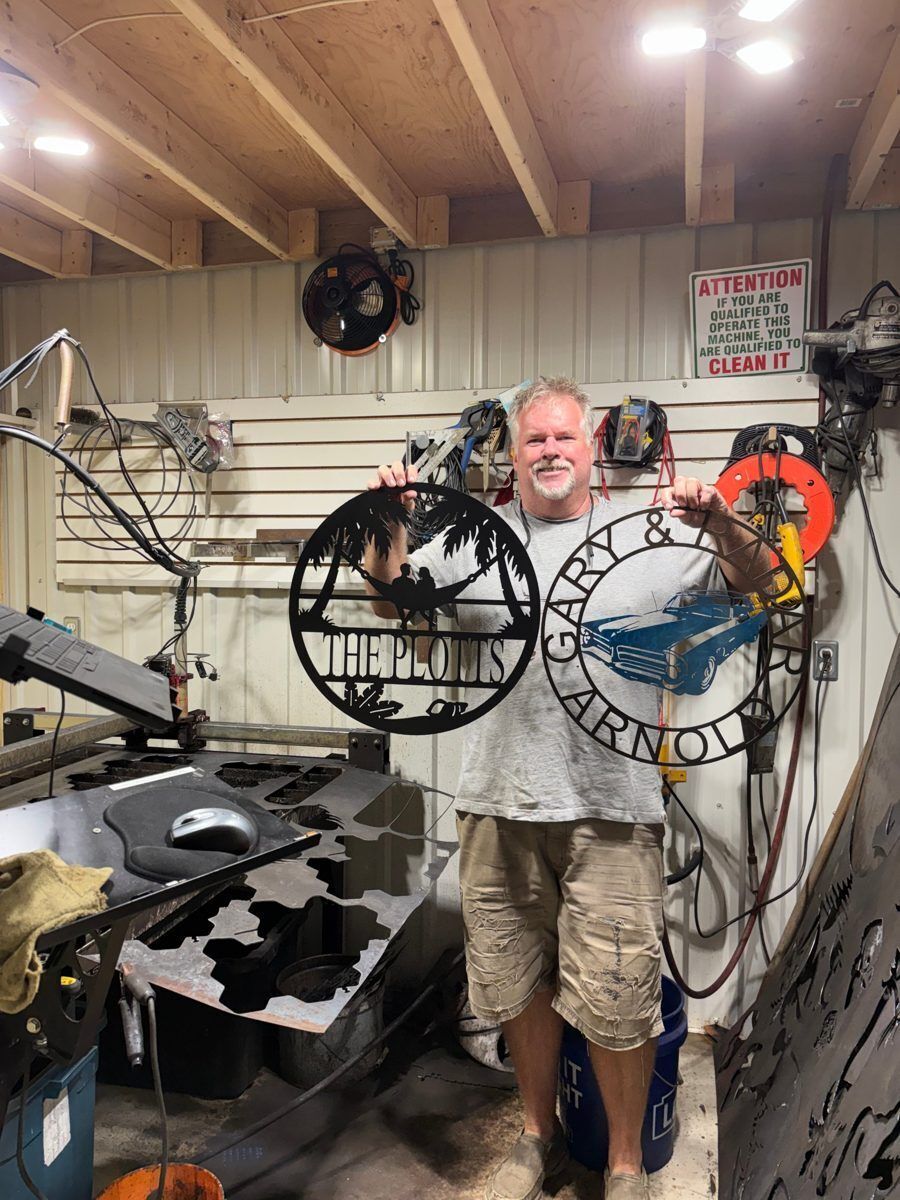
“I am fairly new to the CNC Plasma world and purchased a Langmuir Crossfire Pro. I am a retired Millwright / Machinist and always enjoyed tinkering with making things. Cnc was never my calling as I was more a hands on fix it guy. I was making progress using Inkscape and Sheetcam using YouTube as my teacher. Charles from Tin Man Metal Works had some great videos and it made the learning curve a whole lot easier. Then I get an email about a new program called Cut File Studio and I just had to give it a go as the YouTube video claims is “This is simply CRAZY” …. Well after trying it and being skeptical about how easy bridging letters was suppose to be as I struggled to grasp the bridging in Inkscape I was amazed at how simple and quick it was. This program will open up so many opportunities for making signs and new artwork. From the design page straight to the plasma table without having to transfer files from program to program. This is a GAME CHANGER. Thanks Charles for all your insight.”
Tom · Langmuir CrossFire Pro owner

★★★★★
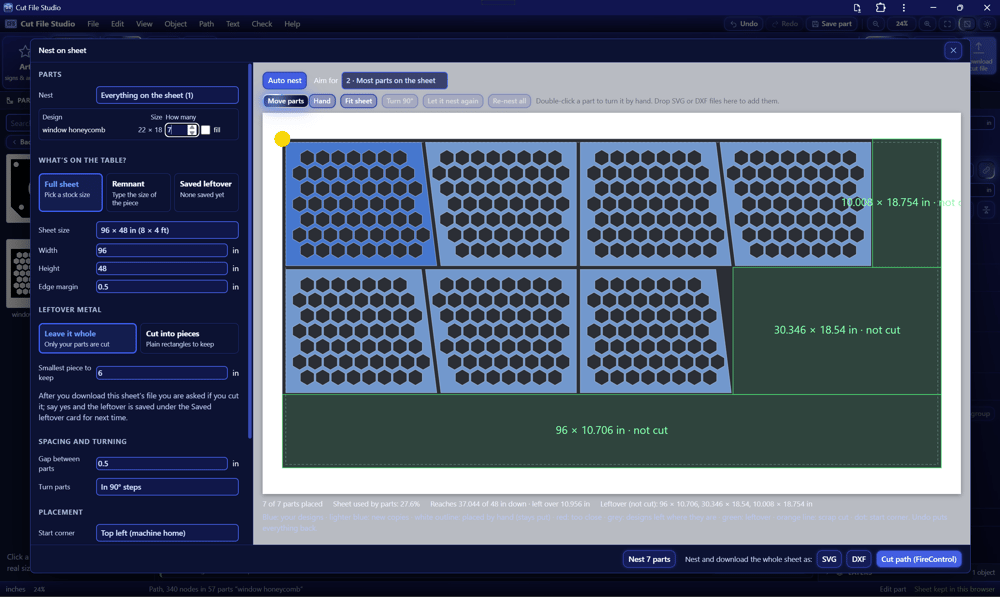
“Used it on several projects already and it is an unbelievable time saver for simple parts and signs. It’s so intuitive that my 11 year old daughter was able to design a sign for her grandmother’s kitchen in less than 30 minutes with minimal guidance from me. In Inkscape I think it would’ve taken hours to teach her. This is a definite game changer and I’m excited to see how it progresses in the future. I run an STV table with optimum software so I download as a DXF and import to sheetcam to get the cut order I want. Hopefully in the future it works with the optimum software. Whoever is designing this knows exactly what the market needs. The autonesting is so much better than what sheetcam offers (maybe I don’t know how to use it). If this sounds like an ad that’s because it is (an unpaid one). If you own a plasma table you need this software. So easy a 7th grade girl can use it.”
Roland · STV table owner · via YouTube

★★★★★
“Man i just did it with an image i had and it was extremely easier. Ill pay whatever they charge when they do.”
Clear Choice Lawn Care LLC · via YouTube

★★★★★
“I have to say, this CutFilesStudio is a very impressive program. I just made a simple 9-inch anchor, and it cut out perfectly. Lots of cool features. These sign guys need to check it out.”
John Messar · via the Langmuir forum
★★★★★
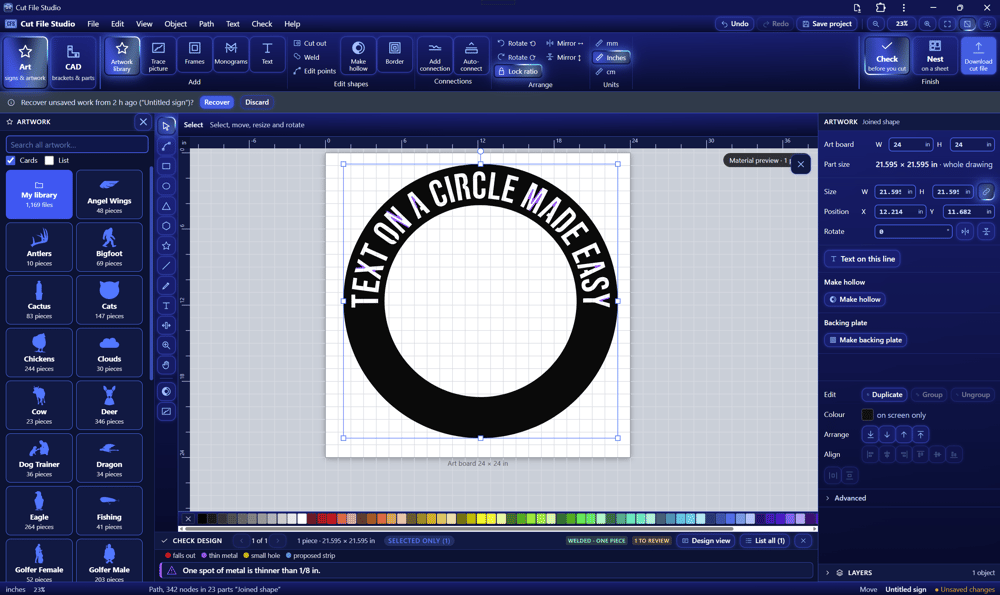
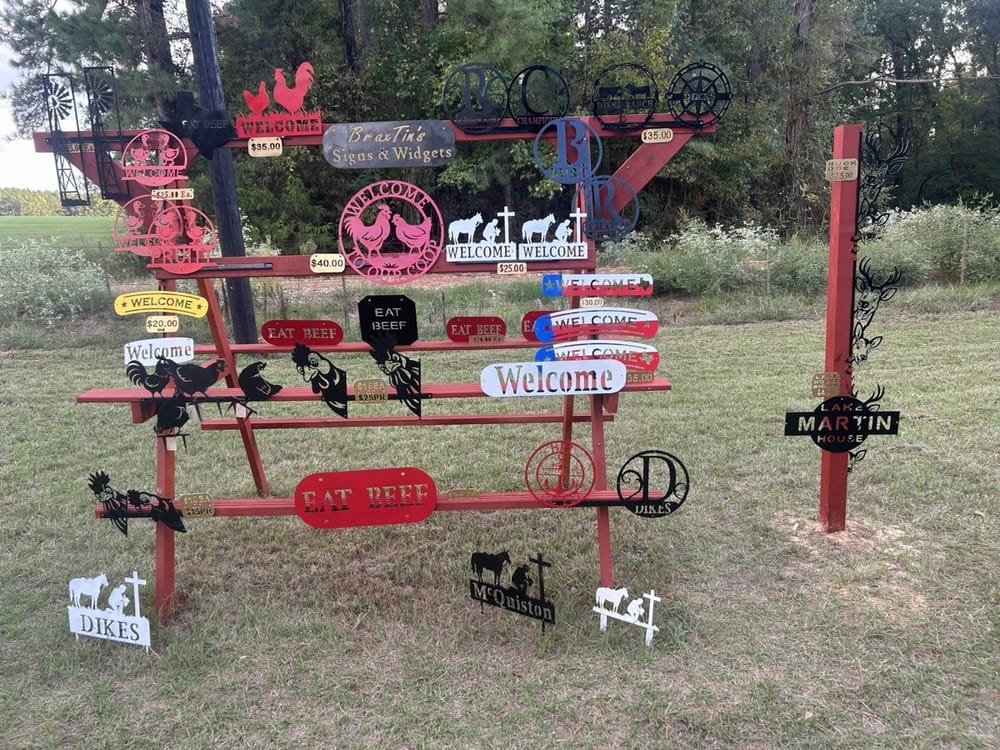
“I came across Charlie's Cut File Studio video and it opened my eyes. I've had trouble putting text on circles in other programs, but with CFS, wrapping text is much easier. Inkscape and Fusion 360 have useful tools, but I've found CFS easier for the plasma design tasks I need. I can join objects, find where bridges are needed, and check the file before sending it to the table. As someone starting out, I appreciate being able to design a project, check the file, and get it ready for the table without spending hours learning the software. I can see CFS becoming my main design program.”
Braxton Dikes · BraxTin’s Signs & Widgets

★★★★★
“Playing around with it this morning, not cutting, but MAN, I can’t wait to start using it. THIS IS AMAZING!!!!!!!!!!”
Victor Jackson · via YouTube
Using Cut File Studio? Leave a review and add a photo of your first cut. You could be featured here.